




Real-time integration with Pabbly
Set up integration workflows that trigger specific actions in real-time, leading to fast and efficient data transfer between the connected platforms.


Set up tailored automation with a range of applications for your WhatsApp chatbot with Pabbly Connect.
Features
No code Chatbot builder
Free Lifetime Plan
Multi channel Live Chat support
Pabbly Connect integrates seamlessly with BotPenguin's WhatsApp chatbot, allowing you to create tailored workflows with your favorite apps for free.
About
Use cases
Platform
Key Features
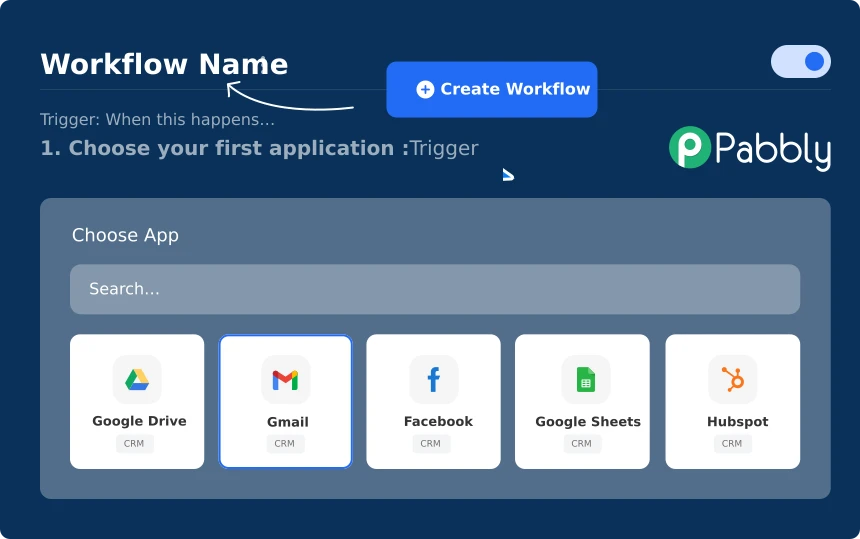
Set up integration workflows that trigger specific actions in real-time, leading to fast and efficient data transfer between the connected platforms.
You can create automation to update the user-specific attributes when edited with new details, bringing your platform up to speed.
BotPenguin and Pabbly integration with no code in a few simple steps
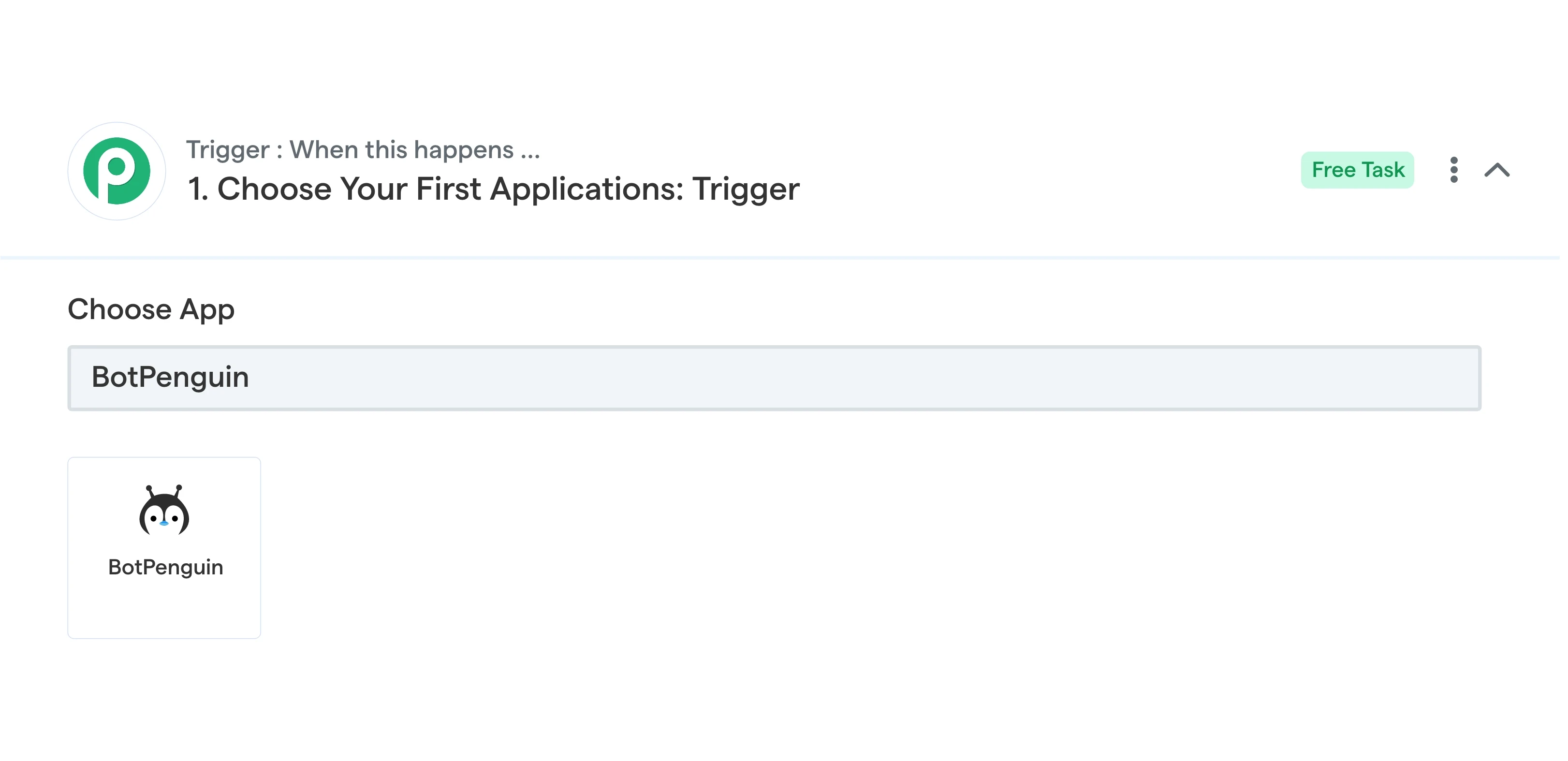
Authenticate
Log in to your Pabbly Connect account and select the BotPenguin app as the Trigger.
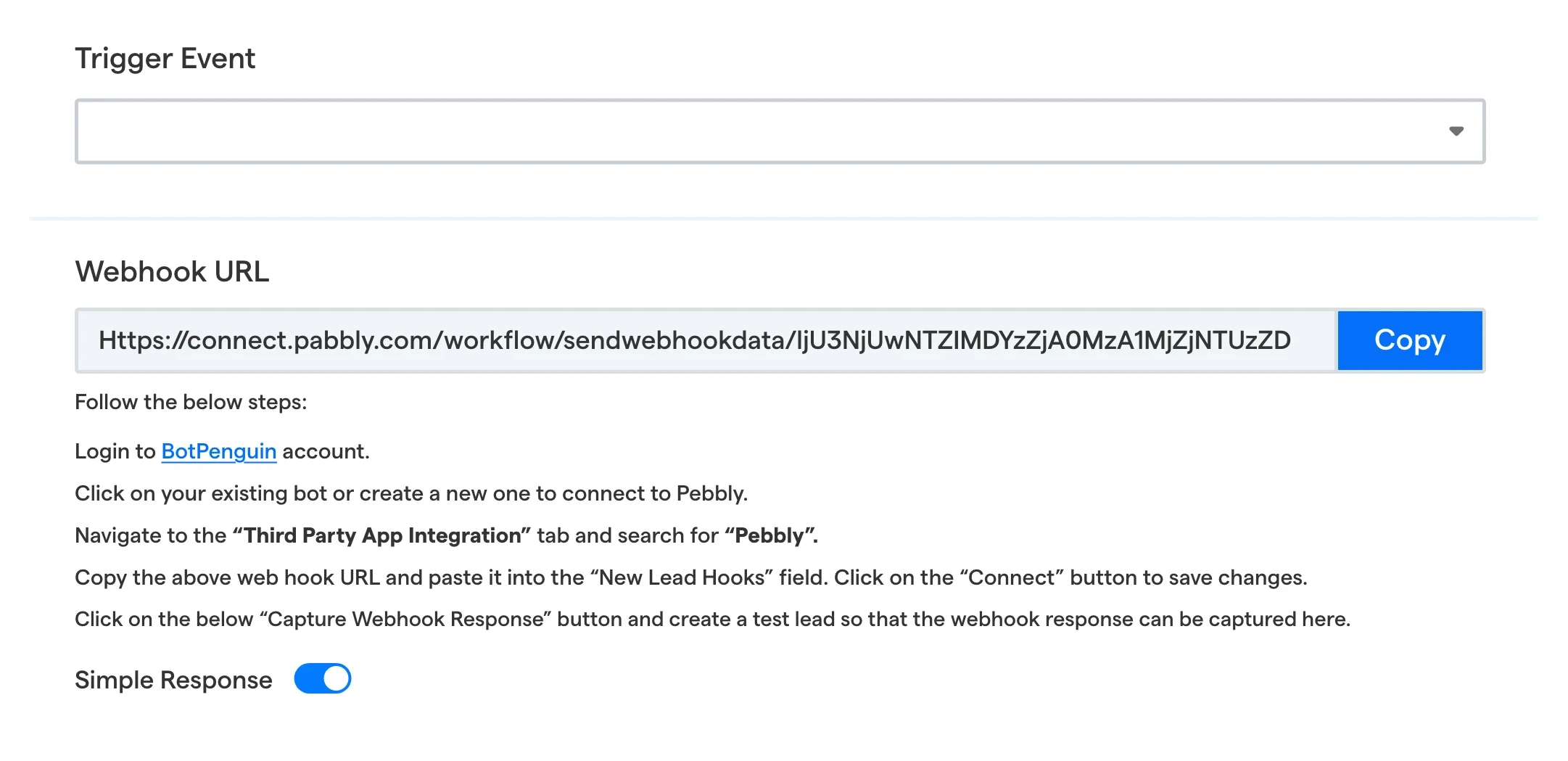
Configure
Select the Trigger event and fetch the Webhook URL.
Test
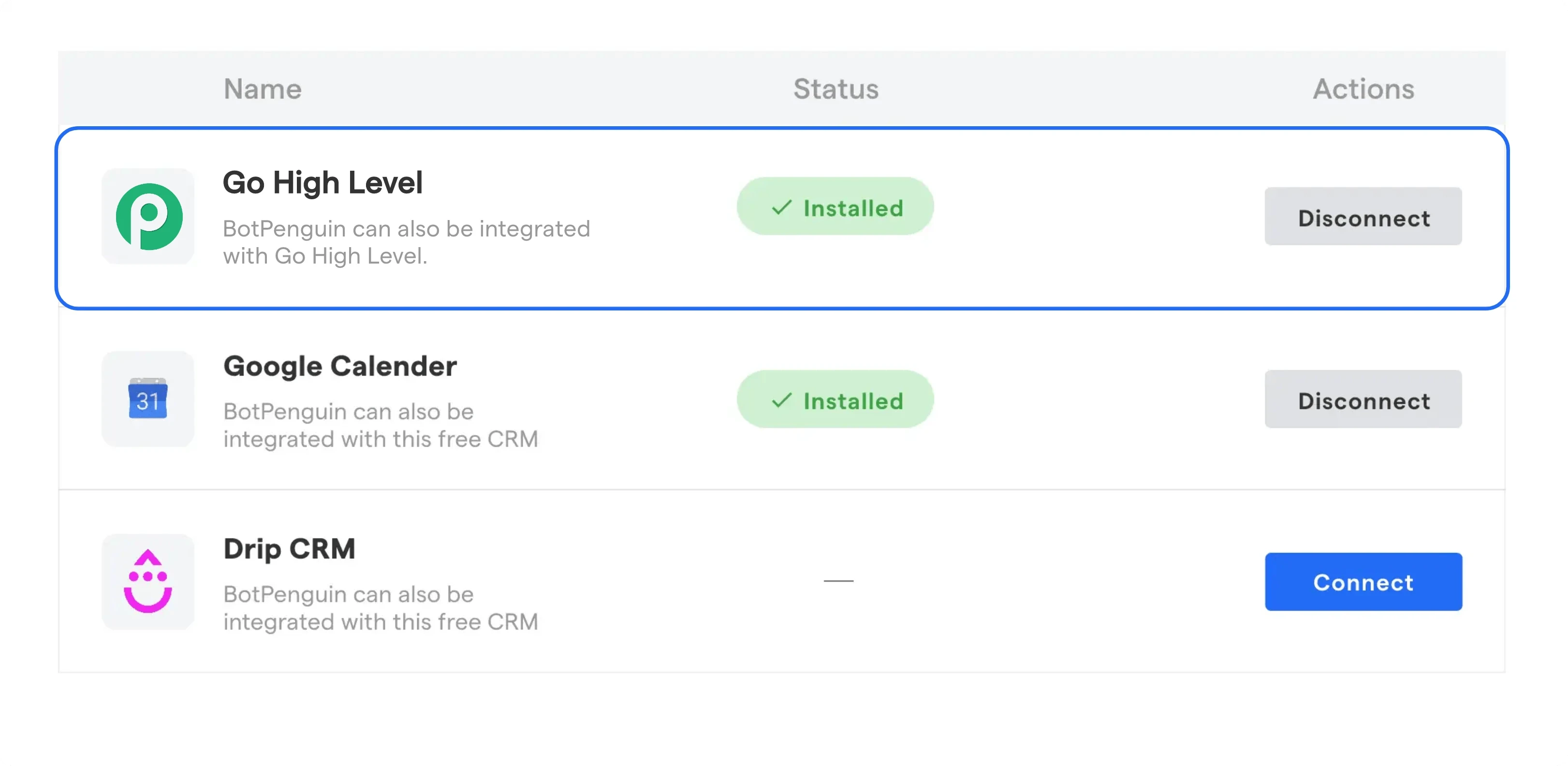
Log in to BotPenguin, navigate to the "Third Party App Integration" tab, search for "Pabbly," copy the webhook URL, and paste it into the "New Lead Hooks" field, then click "Connect".
Deploy
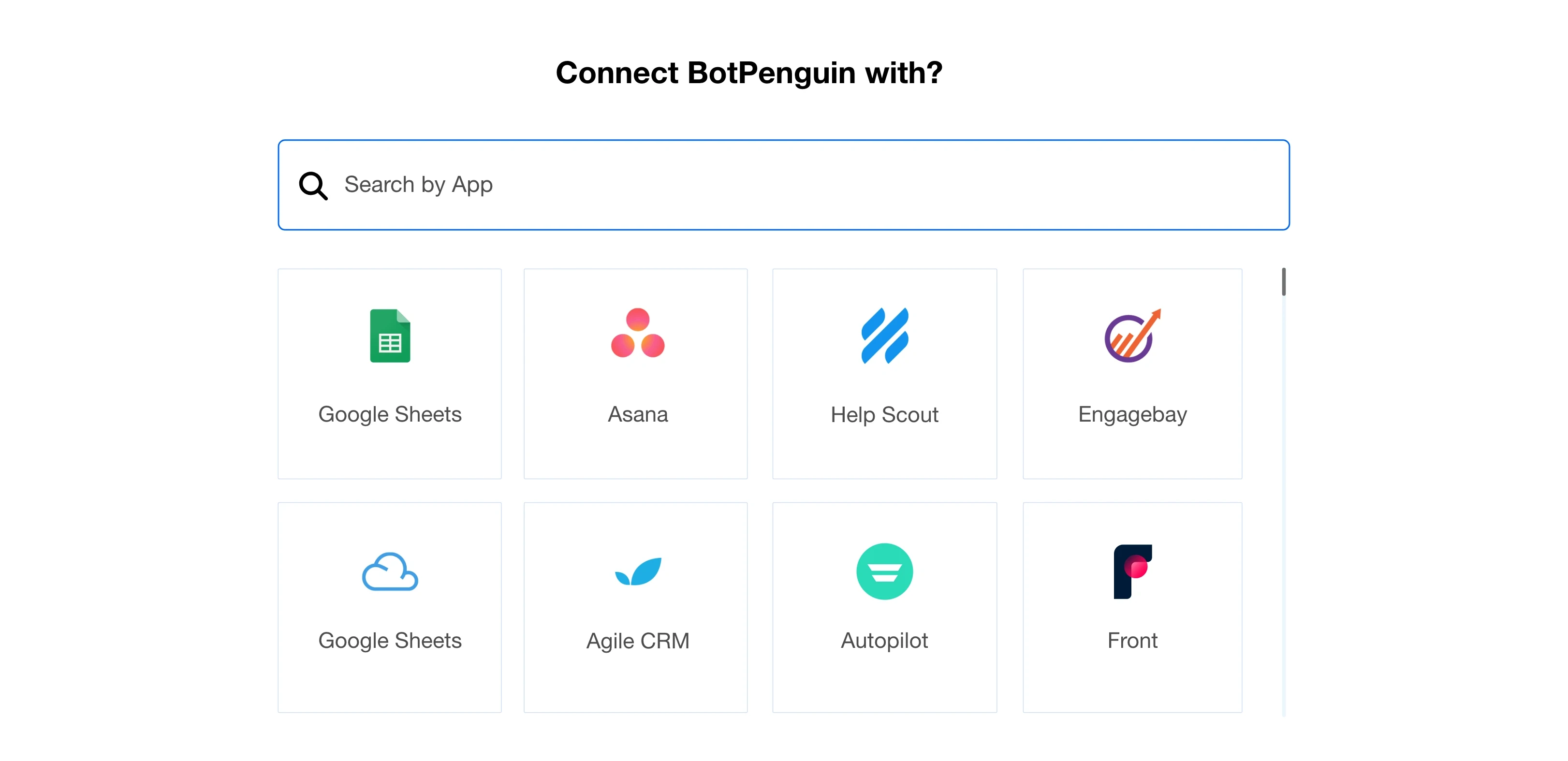
Select the Action app, configure the action, and connect to the platform. Test your integration. And You are done.
Integrate your Chatbot with 80+ native integrations that fit seamlessly into your chatbot like puzzle pieces in a masterpiece.














and more than 80 tools to integrate
Is there a Pabbly Chatbot integration for WhatsApp?
Yes, BotPenguin has a Pabbly Connect app, allowing you to connect your WhatsApp chatbot with other applications effortlessly.
How does Pabbly Chatbot integrate with different platforms?
Pabbly Chatbot integrates with different platforms using Pabbly Connect, a no-code integration platform that allows you to automate workflows and connect your chatbot with 1000+ applications seamlessly.
What is Pabbly Chatbot Connect, and how does it work?
Pabbly Chatbot Connect is a feature that enables integration between WhatsApp chatbot and Pabbly Connect. It automates operations based on triggers such as new contacts, messages, etc., and actions, optimizing workflow efficiency.
Is Pabbly WhatsApp integration free of charge?
The Pablbly Chatbot integration app is free, but the WhatsApp chatbot is only available with paid BotPenguin plans. You can view the pricing details here.
What is the process for connecting WhatsApp to Pabbly Chatbot?
To connect WhatsApp to Pabbly Chatbot, log in to your Pabbly account, select the BotPenguin app, add API details, map messages and parameters, and test the integration before deploying it.
Which applications can I integrate with BotPenguin using Pabbly Connect?
BotPenguin can be integrated with various applications, including CRMs, Google Sheets, email marketing, schedulers, marketing automations, and more. It provides flexibility to use the triggers and actions for automating workflows and connecting with various platforms.


